Upload one product,get content that sells
Detail pages, social posts and ad images at onceLeave content to Sellery and focus on your business
Detail pages, social posts and ad images at onceLeave content to Sellery and focus on your business
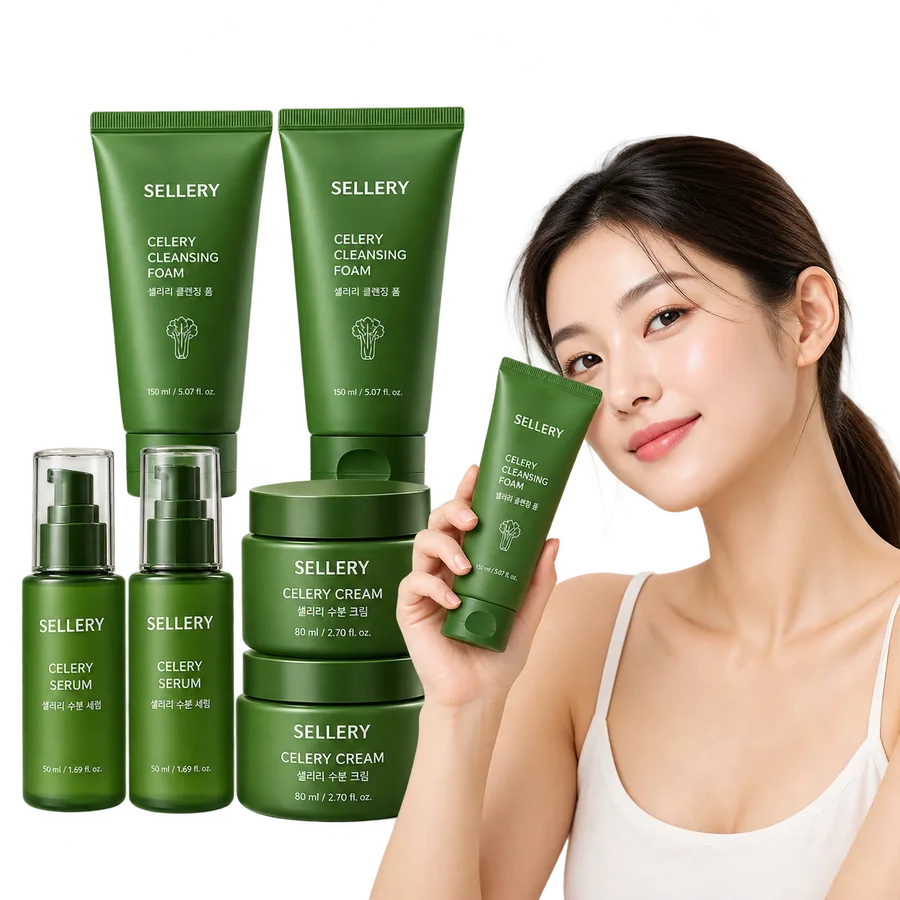




With one product photo,Get every image you need
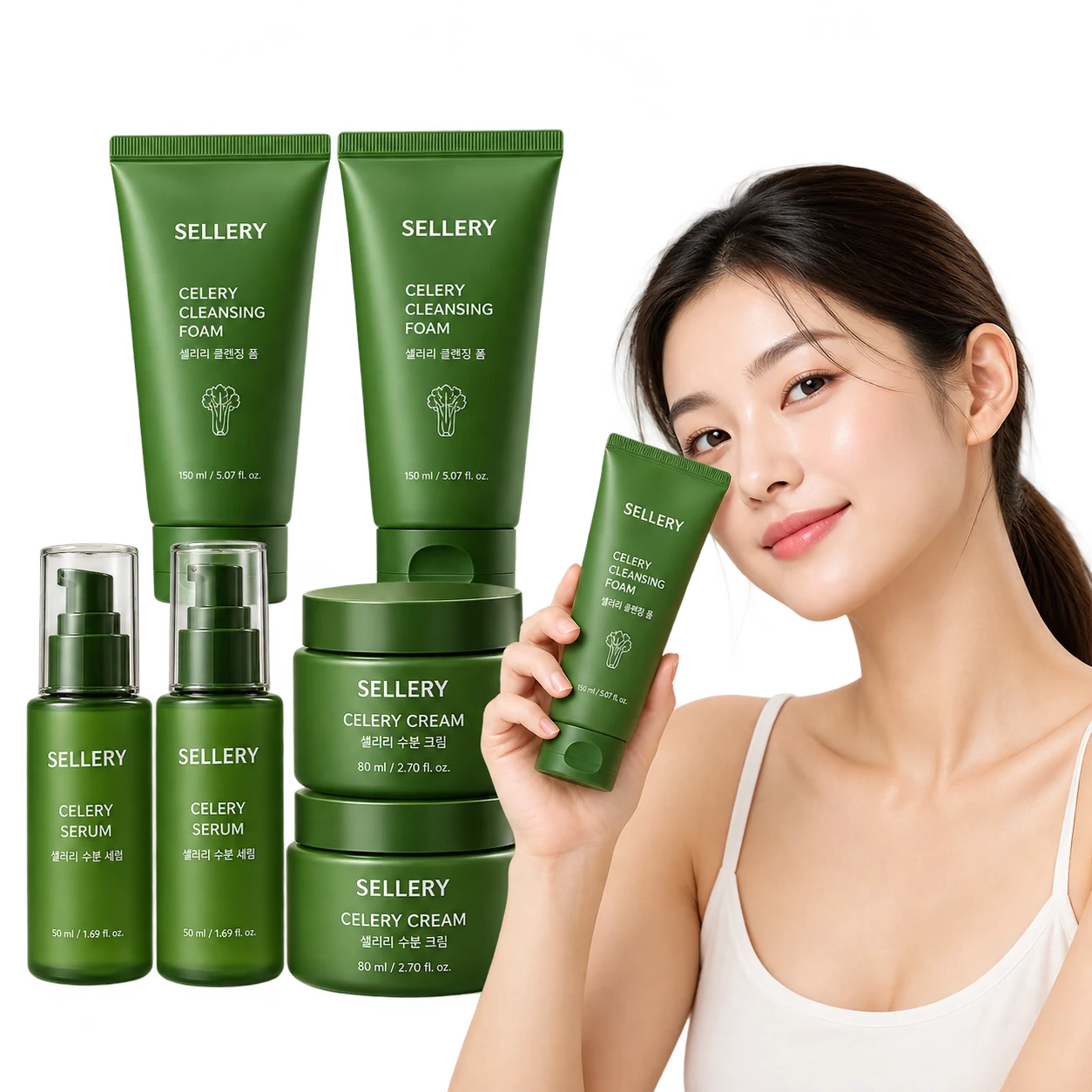
From background removal to a finished ad, all in one place
Upload a product photo to remove the background as a transparent PNG, or turn a handheld shot into a white-background studio shot. It's placed into banner sizes automatically, and pick what to announce — a sale, a new arrival — to add ad copy right on the image. Your product photo stays true either way.
Just enter product info,get a detail page that sells.
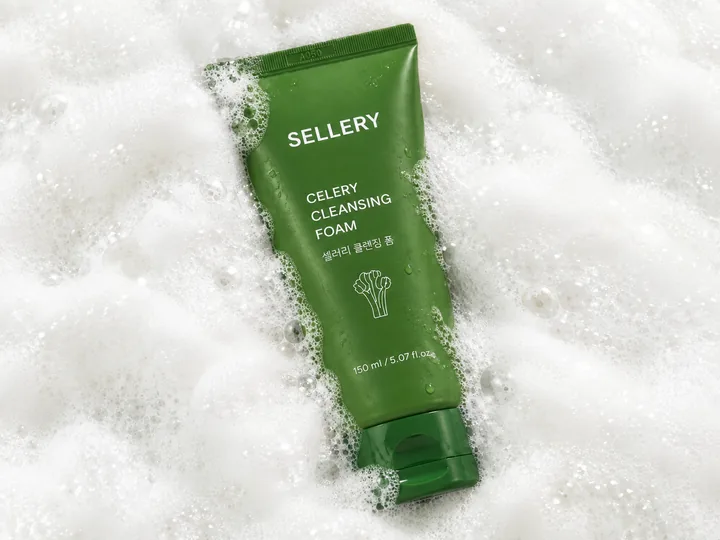
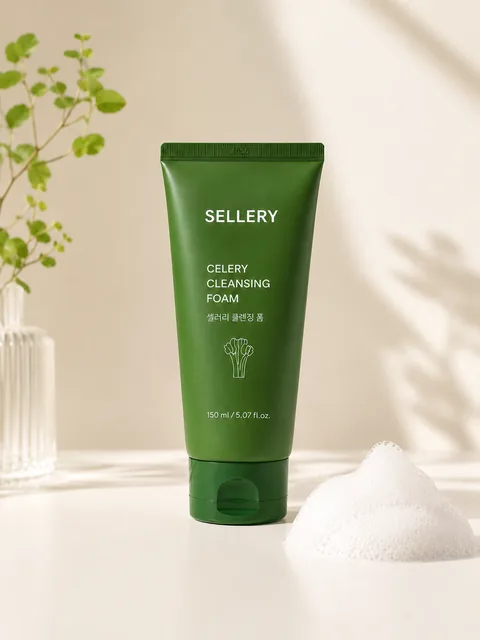


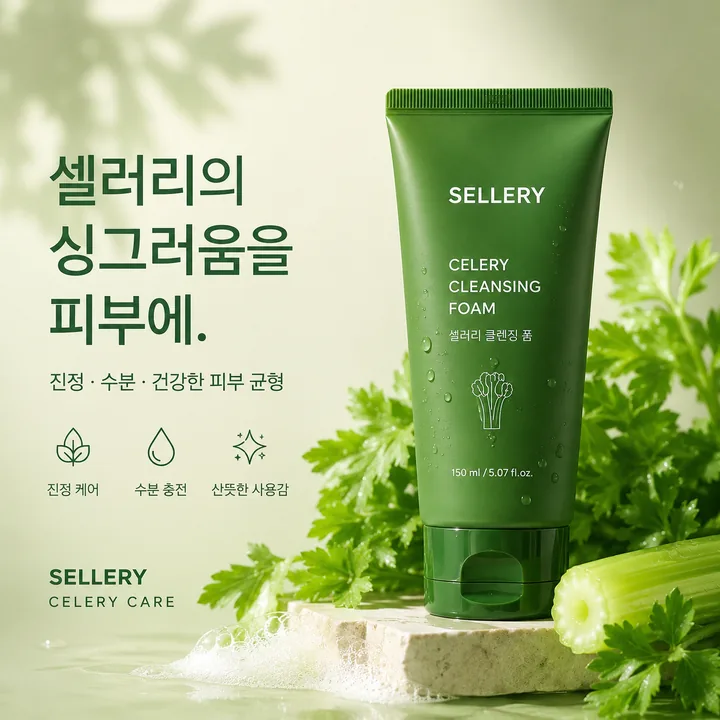
From planning to images and design, all in one
Headlines, descriptions, and calls to action are written from your product's key strengths, with images and layout matched to your brand. No design experience needed: finish a full detail page in the editor and download it.
Start with one topic,we write for each channel
Eight channels written at once, each to spec
Feeds get captions and hashtags; Reels and TikTok get hooks and scripts; shorts get titles, scripts, and subtitles; blogs get titles and full posts. Each one fits the channel and stays within its hashtag limit.
Different tools,Because your value should stay consistent
Copy in a chatbot, banners in a design tool, detail pages in yet another editor. Re-explaining your project and product each time makes the same product come out differently.
Register your project and product in Sellery once. Whatever you create, it's built on the same values and standards — no repeating yourself.
How it works
Done in five steps
Add project
Paste a URL or upload documents to extract project name, industry, tone, and banned terms.
Add product
Add a product URL and images to organize key features, USPs, likely audience, and price.
Choose a tool
Pick what you need now: banners, detail pages, or channel posts.
Review and edit
Edit results right there. Banned words and channel specs are flagged as warnings.
Export
Download files in the right size to post right away. Results stay in your library anytime.
Pricing
Simple monthly plans
Every plan includes a monthly credit allowance. Different tasks use different numbers of credits, and the cost is shown before you start. Unused credits don’t roll over. Save 20% with annual billing.
Free
Try it with real results before you pay
$0
No card required
- 150 credits once, at sign-up
- about 1 product detail page
- or about 5 high-quality AI product photos (up to 15 in basic quality)
- Background removal is free
Starter
For sellers launching a few products a month
$12/ month
$9.60/month billed annually
- 800 credits every month
- about 5 product detail pages
- or about 26 high-quality AI product photos (up to 80 in basic quality)
- Background removal is free
Pro
Most popularFor growing shops with regular launches
$29/ month
$23.20/month billed annually
- 2,000 credits every month
- about 13 product detail pages
- or about 66 high-quality AI product photos (up to 200 in basic quality)
- Background removal is free
Max
For teams and large catalogs
$69/ month
$55.20/month billed annually
- 4,800 credits every month
- about 32 product detail pages
- or about 160 high-quality AI product photos (up to 480 in basic quality)
- Background removal is free
Prices in US dollars, excluding sales tax or VAT, which is added at checkout based on your location. Subscriptions renew automatically until canceled; cancel anytime and keep your plan until the end of the billing period. Payments are processed by Paddle.com, our Merchant of Record. See our Terms of Service and Refund Policy.
FAQ
01Do I enter our info every time?
No. Add it once to your project and banners, detail pages, and social posts use it. Each time, just pick what's changed.
02Can I create with very little info?
A product name and photo are enough. But the more you add, the closer it fits your shop. Adding a store URL or key points makes a visible difference.
03Does AI make up features or figures?
For critical info—prices, claims, figures—we only use what's in your project. We don't invent numbers. Still, please review before posting.
04What sizes do banners come in?
Available sizes: Square (1:1) · Wide (2:1) · App push. Upload product photos and we lay them out to fit the size you pick. We're adding more sizes over time.
05Do you remove backgrounds?
Yes. Upload your product photo as is and we remove the background, then carry it into banner layout. You can also download just the transparent image.
06Can I post content straight to channels?
We size text and images for each channel, then you copy and post them. We don't connect accounts to post for you. Everything stays in your library to reuse anytime.