Remove background
Just the backgroundremoved cleanly
Upload any number of photos and get transparent PNGs for free.
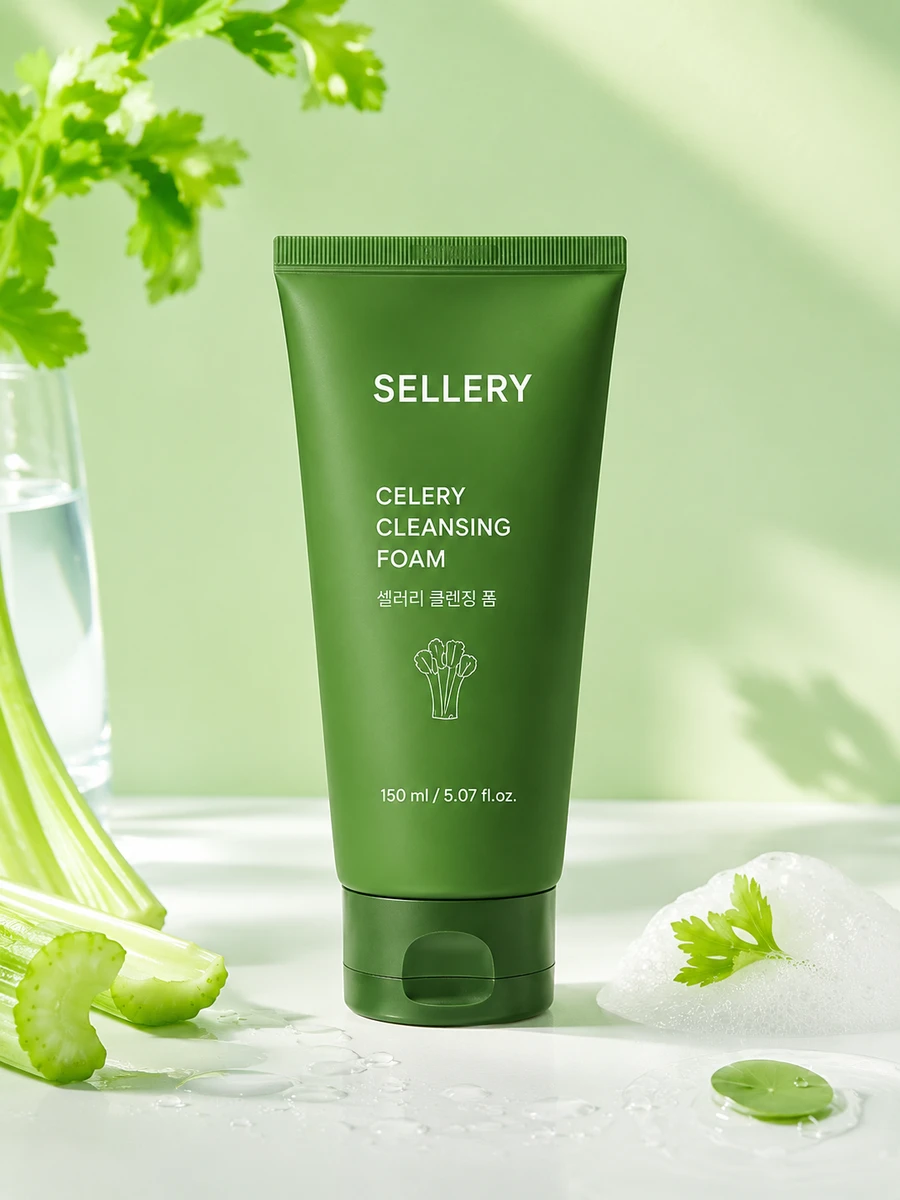
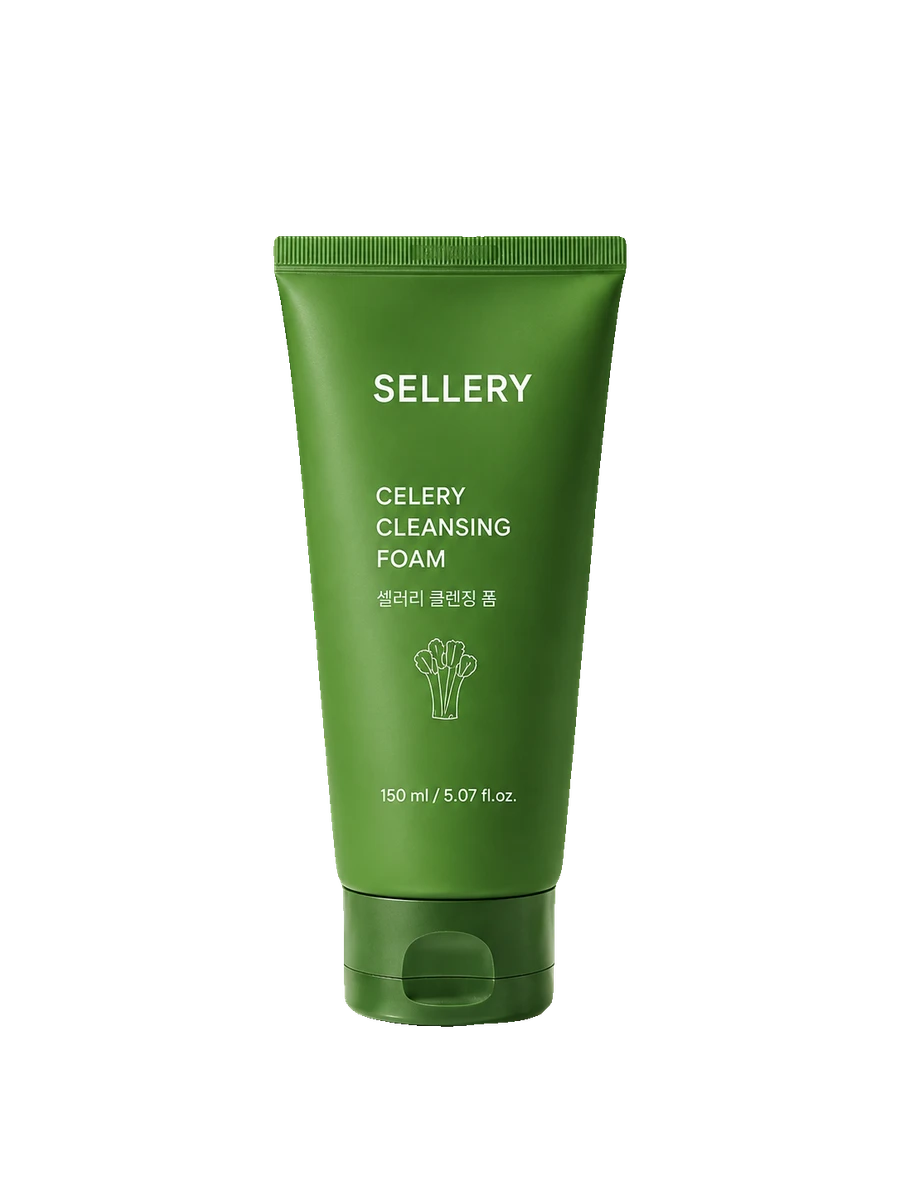
- 0 creditsYour balance stays the same, however manyNo AI servers — it runs right in your browser, so it costs us nothing.
- Multiple photosClean them all up at onceOne per photo. Do it ahead and pull them straight into banners and detail pages.
- As a transparent PNGOnly the product remains, so it fits any background color. Banners and detail pages use it directly.
Pick and choose
Which one should I use?
| Remove background | Studio shot | |
|---|---|---|
| What it does | Remove background only | Add a white background |
| Output file | Transparent PNG | White-background image |
| Number of images | One per photo | One photo |
| Credits needed | 0 credits | 1 image generation |
| When to use | Place on other backgrounds | Use the photo as is |
What you get after upload
- Step 01Upload photoYou can upload several photos at once.
- Step 02Remove backgroundWe find the edges and remove only the background. The product stays untouched.
- Step 03DownloadDownload as transparent PNGs, one per photo.
Why no credits?
It doesn't call AI servers; it computes right in your browser. It costs us nothing, so there's nothing to deduct. Your balance stays the same however many you do.
Other tools differ. Studio shot and detail pages call image generation models, so they use credits. The pricing page lists costs for each tool.
Who this is for
- I want just the product on a banner or detail page
- Marketplaces use different backgrounds
- I need to clean up multiple product photos
- I need a transparent PNG file
You can make these too
- Studio shotStudio shotTurn quick phone snaps into clean studio shots.
- BannerBanner draftFitting banners takes longer than making them. Upload a photo, get several drafts, pick one, tweak, done.
- Detail pageDetail pageThe hard part isn't making it pretty — it's the order. Write product info to get structure and copy in order, then finish in the editor and download.
- Social postsText by channelInstagram feeds and blogs need different formats. Pick a channel, enter a topic, and get copy that fits it.
Remove background FAQ
01Is it really free?
This means it uses no credits. You still need an account, and you get credits on sign-up.
02Does it work with hair or transparent parts?
Photos with complex edges may come out rough. For those, Studio shot, which adds a new background, works better.
03Is there a photo limit?
No deductions, so your balance won't stop you. But it runs in your browser, so very large batches may slow some devices.
04Can I use the cutouts in banners or detail pages right away?
Yes. Cutouts go straight into banners and detail pages. Prep them ahead so you don't need to re-upload.
05Will the product's shape change?
We don't touch the product. We find the edges and remove only the background outside. No colors or shapes are redrawn.