Studio shot
Just one photoStudio shot ready
Turn quick phone snaps into clean studio shots.
- Pure white backgroundNot erased — re-stagedThis isn't just a cutout. We place the product on white and clean up lighting and shadows too.
- Several at onceOne result per uploadUpload different products together and each gets its own white background.
- Sized to specSized for marketplace main images. Need print quality? Regenerate in high-res.
Pick and choose
Which one should I use?
| Studio shot | Remove background | |
|---|---|---|
| What it does | Add a white background | Remove background only |
| Output file | White-background image | Transparent PNG |
| Number of images | One per photo | One per photo |
| Credits needed | 1 generation per photo | 0 credits |
| When to use | Use the photo as is | Place on other backgrounds |
What you get after upload
- Step 01Upload photoUpload product photos. Upload several at once and each gets made.
- Step 02RetouchWe turn backgrounds pure white and fix lighting and shadows. Shape and color stay the same.
- Step 03DownloadSized for marketplace main images. Need it larger? Regenerate in high-res.
Who this is for
- Messy background from a phone photo
- Marketplaces require white backgrounds, but I can't reshoot
- Keep the product, fix only the background and lighting
- Can't afford a studio shoot for every new product
Your shots carry over
Shots made here go straight into the next tool: placed automatically in banners, used as section images in detail pages. No re-uploading for each tool.
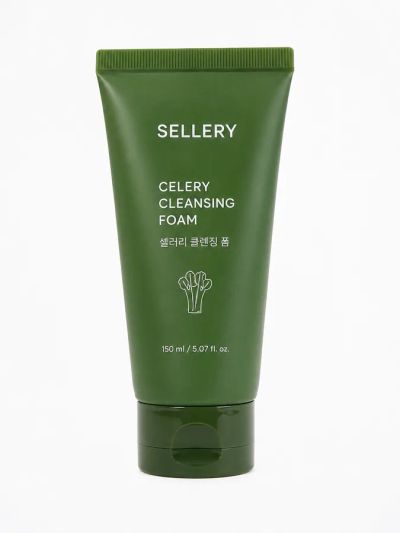
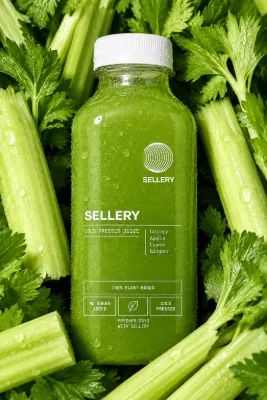
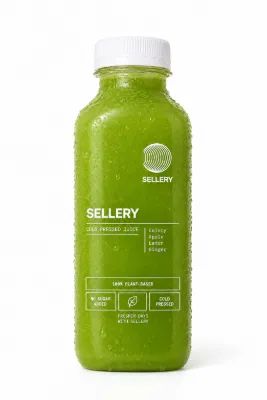
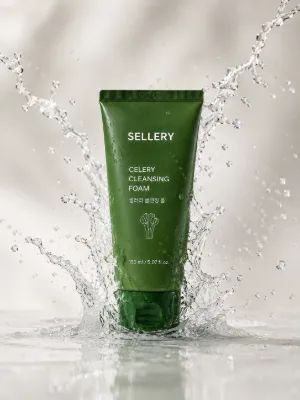
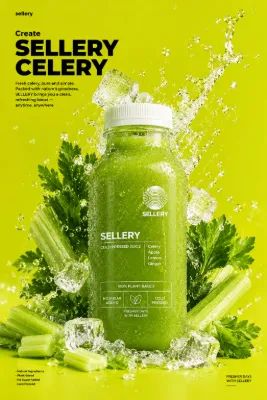

Samples
What it looks like
Examples made by Sellery. Results vary with your photos.
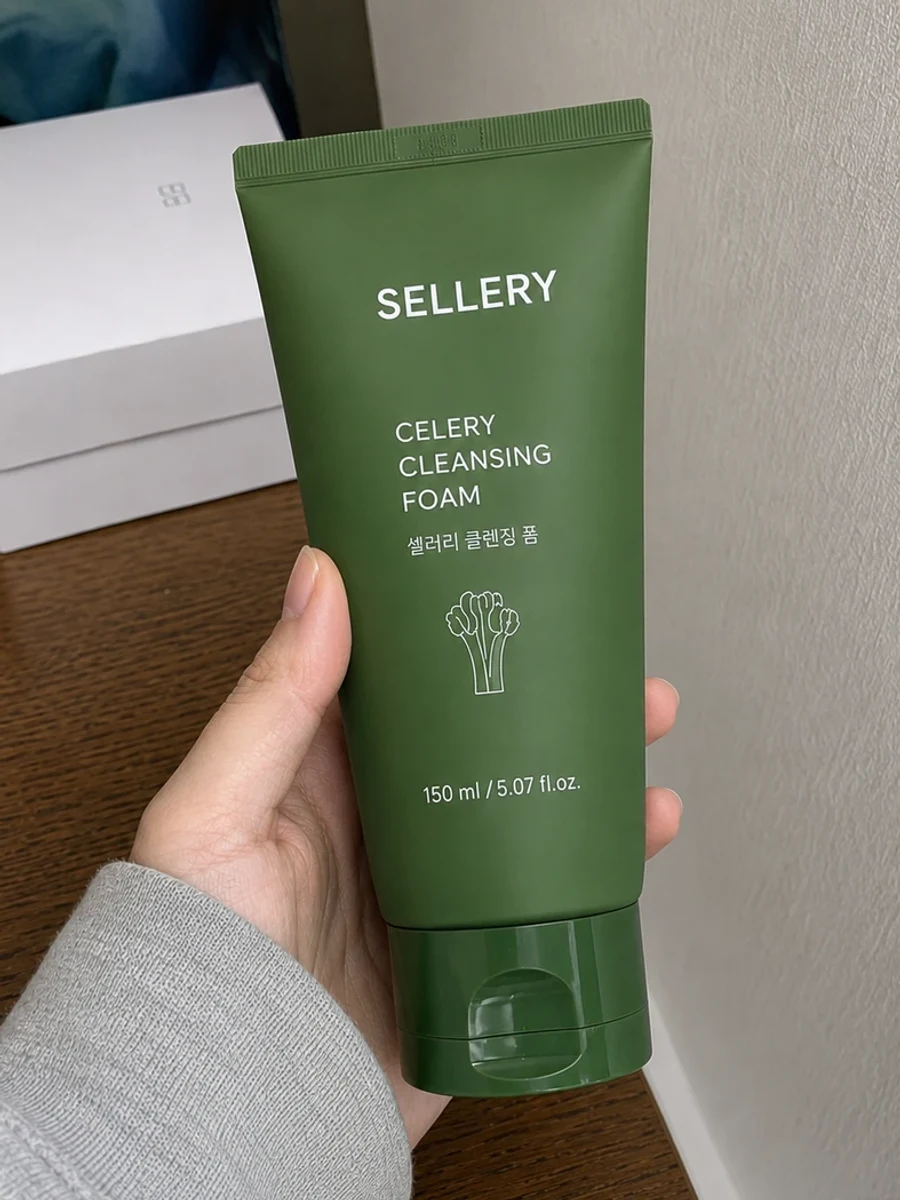
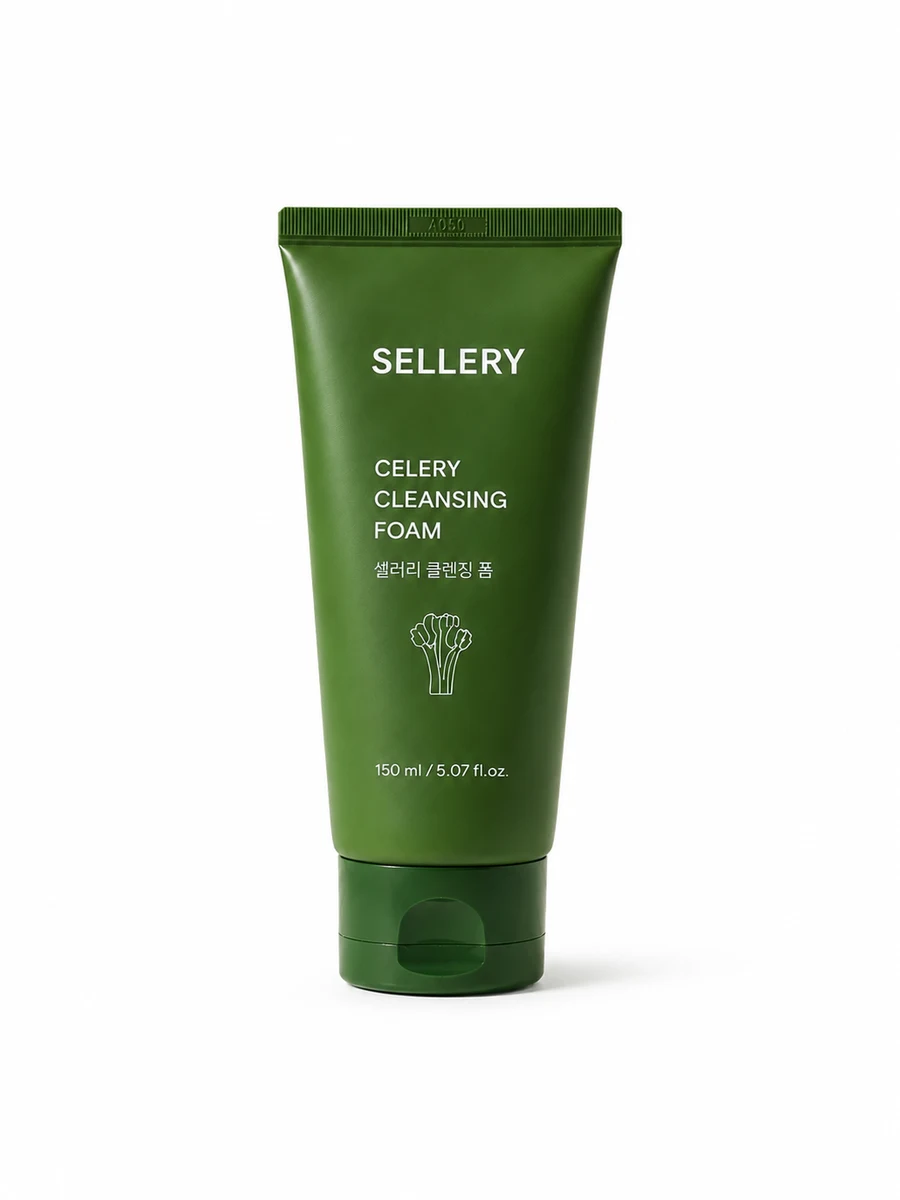
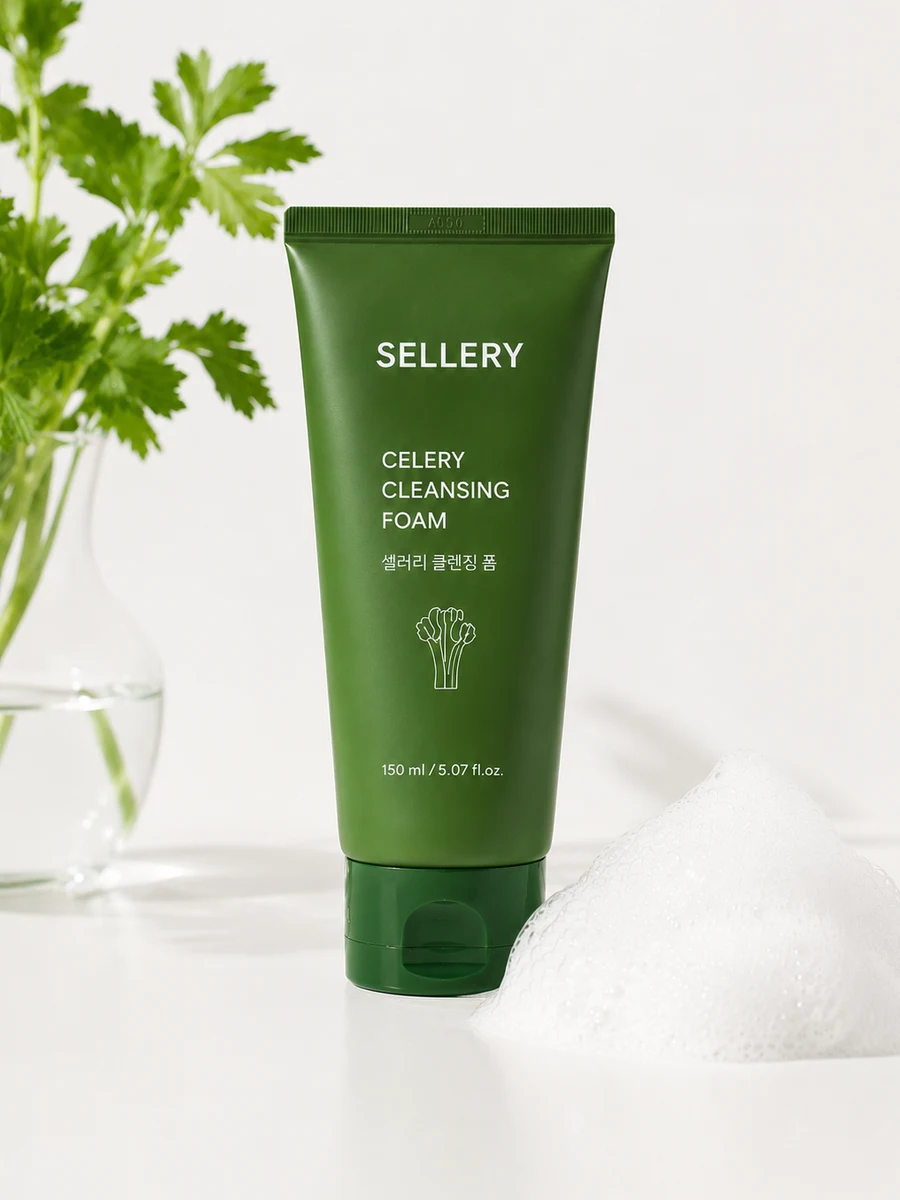
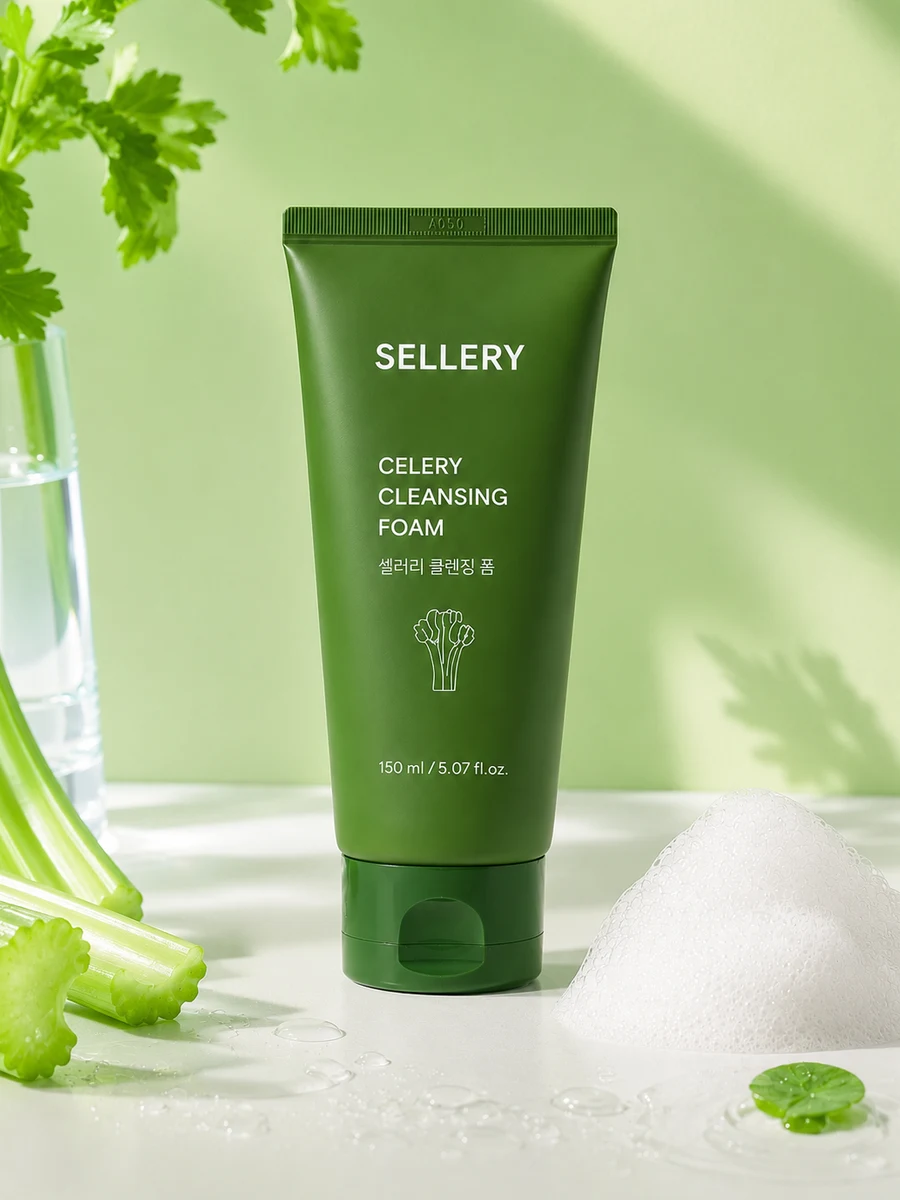
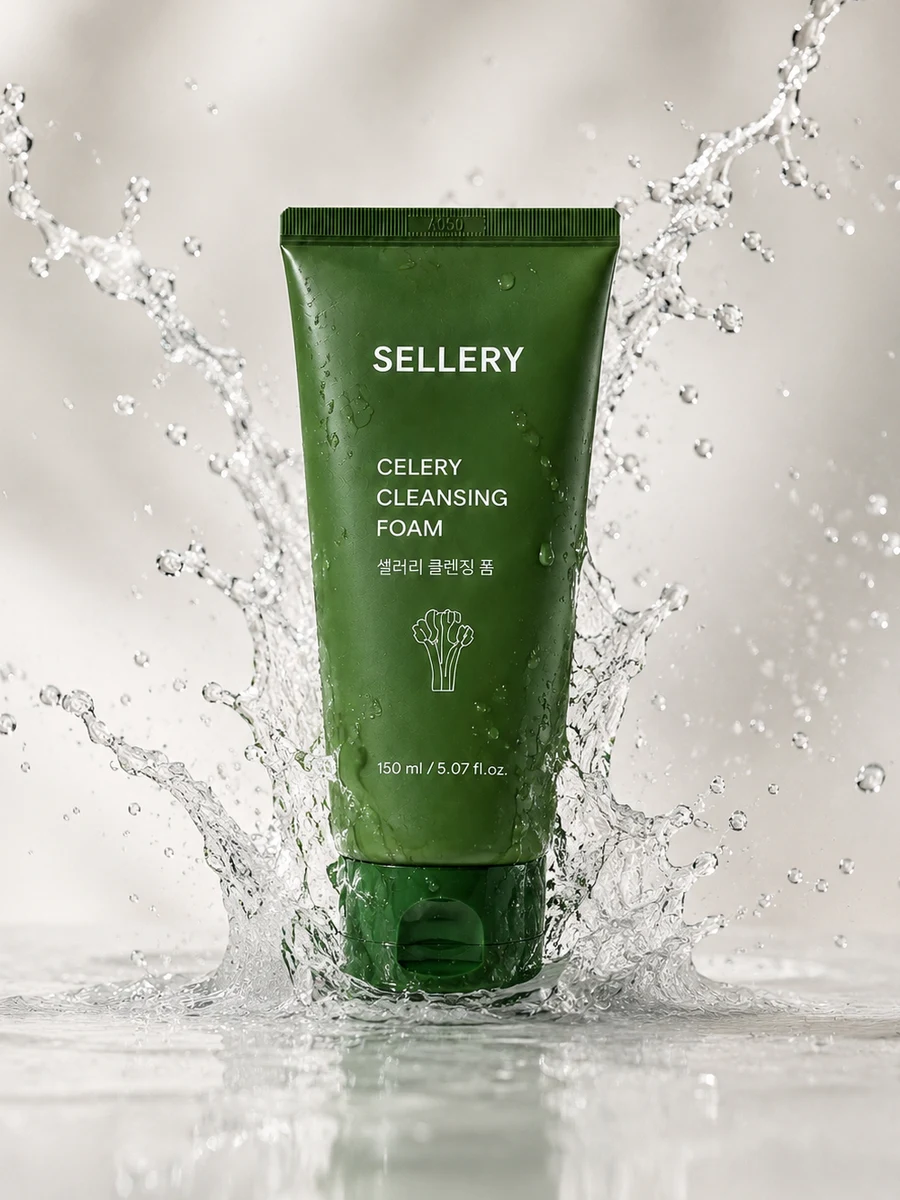
You can make these too
- Remove backgroundTransparent PNGUpload any number of photos and get transparent PNGs for free.
- BannerBanner draftFitting banners takes longer than making them. Upload a photo, get several drafts, pick one, tweak, done.
- Detail pageDetail pageThe hard part isn't making it pretty — it's the order. Write product info to get structure and copy in order, then finish in the editor and download.
- Social postsText by channelInstagram feeds and blogs need different formats. Pick a channel, enter a topic, and get copy that fits it.
Studio shot FAQ
01Does the product change?
We refine based on your photo's shape and color, but it's AI-generated. Compare with the real item before posting.
02Do several photos give several shots?
Yes, 1 per photo. Upload different products together and organize each separately.
03Does high-res use more credits?
Credit use depends on resolution. Exact amounts are on the pricing page.
04What photos work best?
A quick phone photo is fine. Just make sure the product is clear and nothing covers it. We replace the lighting and background, so don't worry about those.
05How is it different from background removal?
Background removal removes only the background and gives you a transparent PNG. A studio shot adds a new white background and makes a complete image. Use background removal if you'll place the product on another background. Use a studio shot if you'll use the image as is.